 ImageMaster
Start from a preset
Heading, subheading and body presets are sized to your image, so new text looks right the moment it appears.
Put a heading, a caption or a label on any picture, style it, and drag it exactly where it belongs.
Drop an image or PDF here, or paste one
JPG, PNG, WEBP or PDF, up to 25 MB
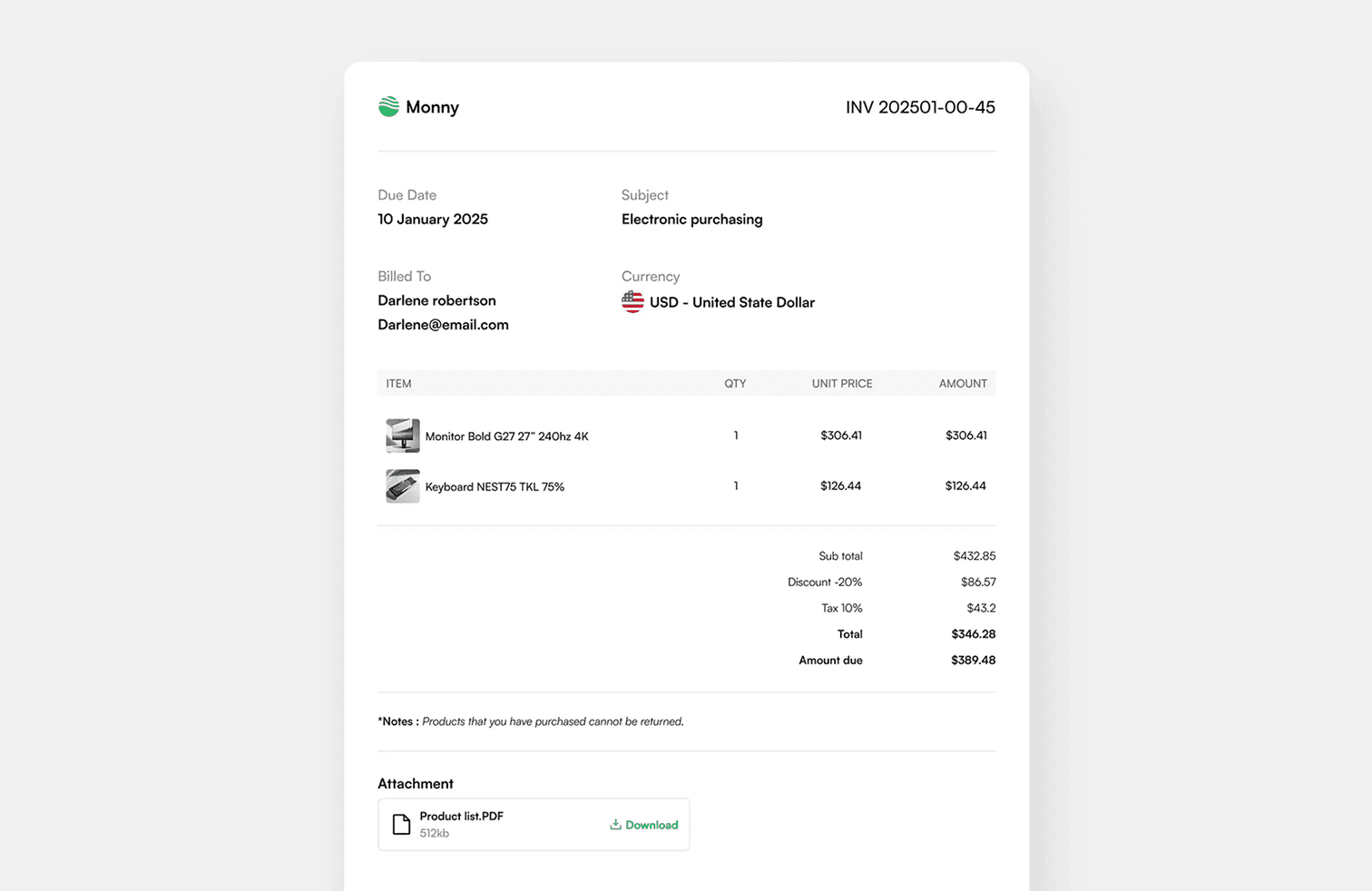
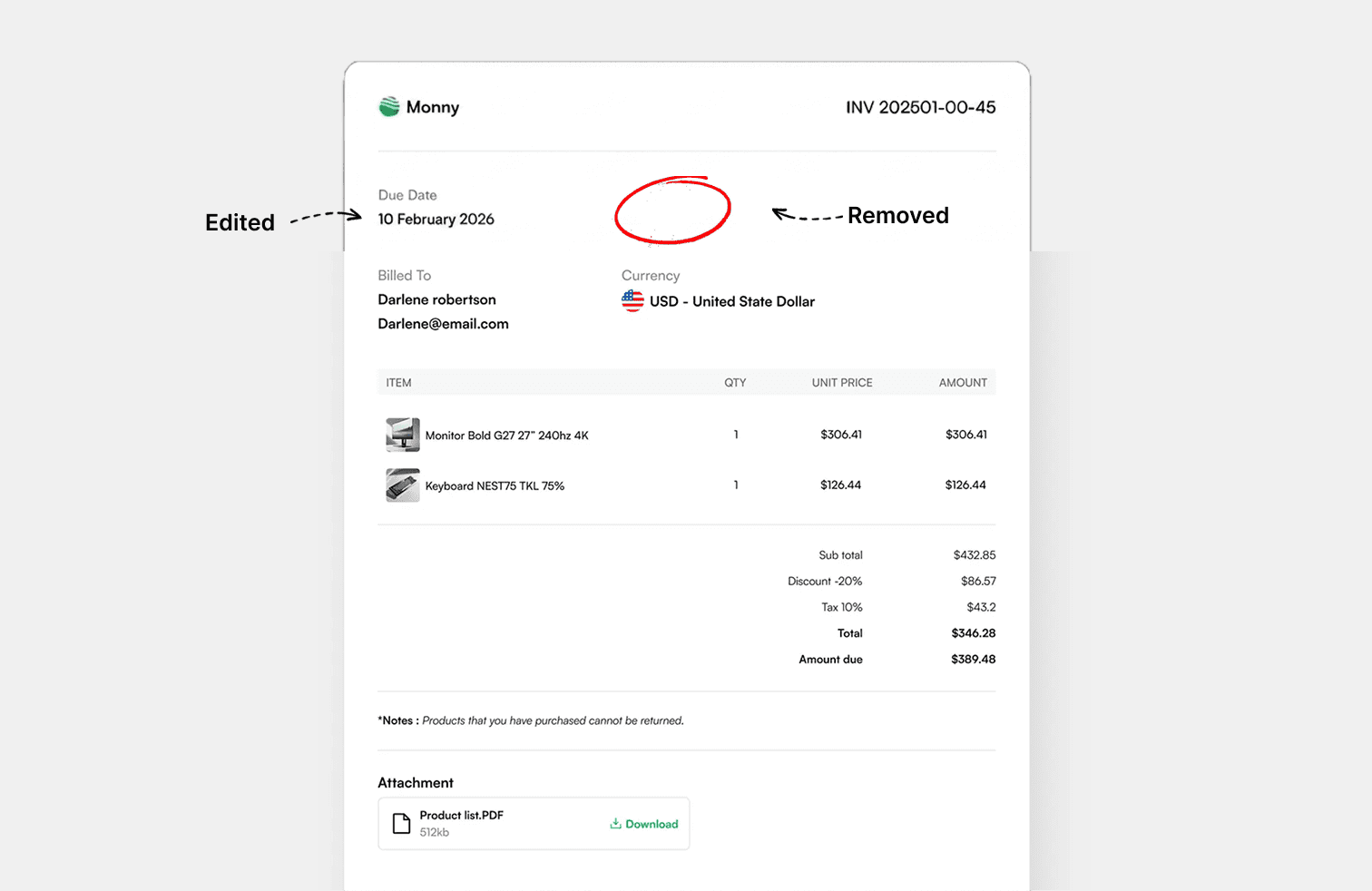
1 · 2 · 3
Drop in a JPG, PNG, WEBP or PDF, or paste a screenshot from your clipboard.
Every word is found for you. Click one, choose the word or its whole line, and type the replacement.
Save the result in the format you uploaded, or as PNG, JPG, WEBP or PDF.
Add Text
Heading, subheading and body presets are sized to your image, so new text looks right the moment it appears.
Add an outline or a soft shadow so text stays legible over bright or busy parts of a photo.
Drag to move, pull the corner to resize, nudge with the arrow keys, or type exact position, rotation and skew values.
Upload a TTF, OTF or WOFF file to use a brand font, or pick from the fonts already on your computer.
Yes, as many as you like. Each one is styled and positioned separately.
Yes. Use Upload Font in the text panel. The font stays in your browser.
No. Text is drawn at the image's full resolution, and PNG downloads are lossless.
Edit, remove and add text in images, right in your browser.