 ImageMaster
Paste and start
Press Ctrl+V on this page and your screenshot opens in the editor. There is nothing to save to disk first and nothing to install.
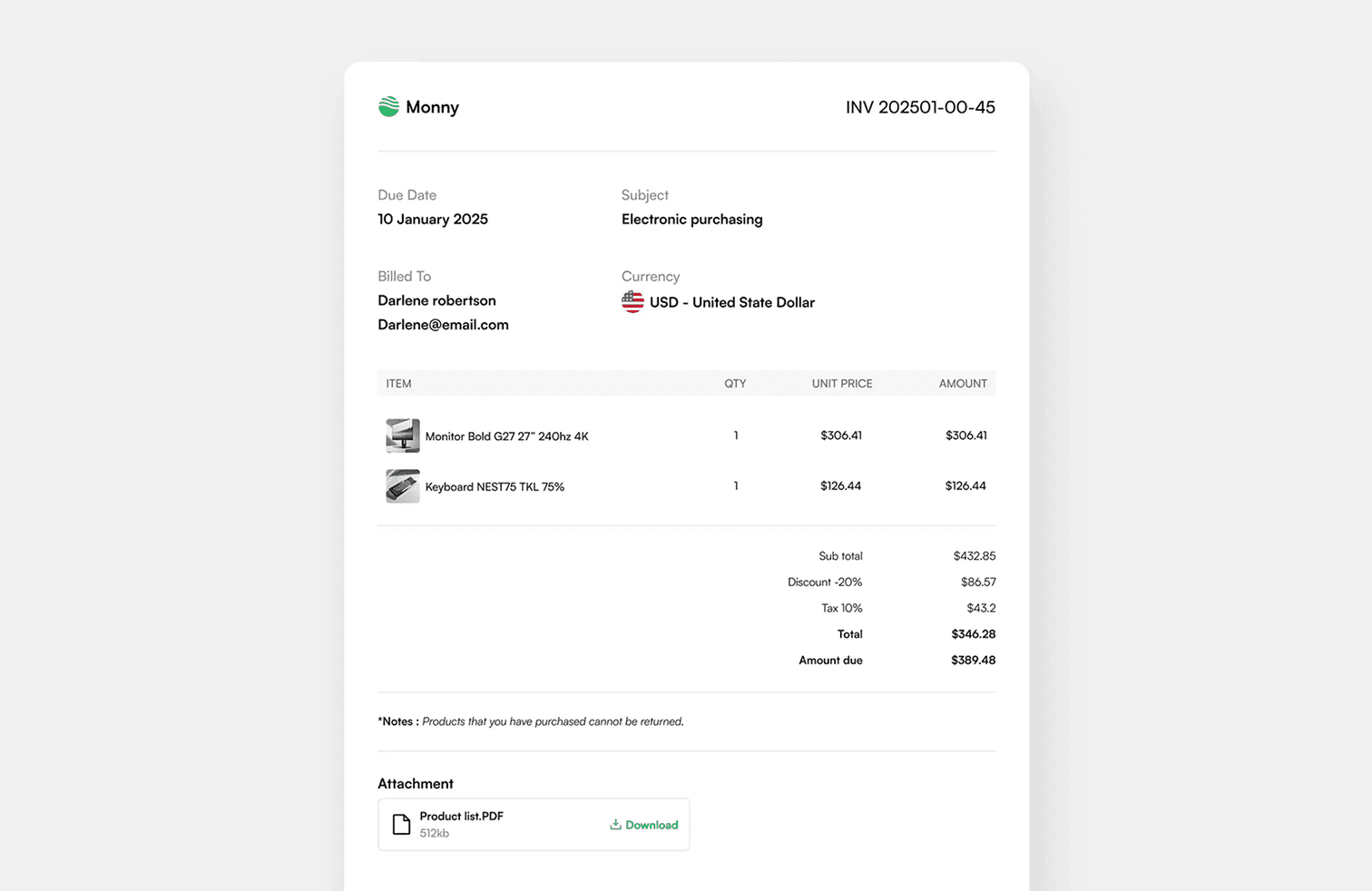
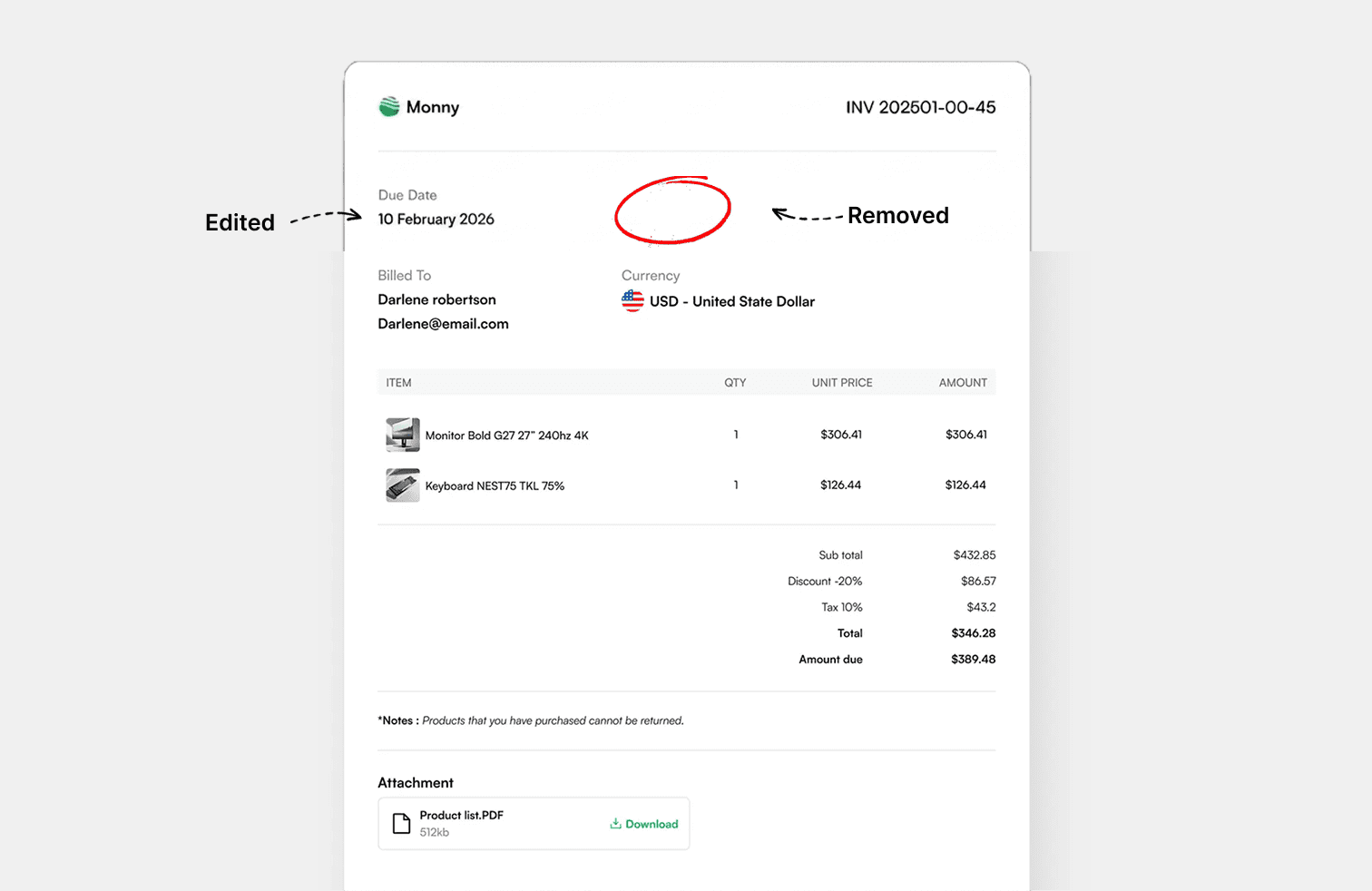
Paste a screenshot straight from your clipboard, click the text you want to change and type. Useful for mock-ups, tutorials, bug reports and hiding private details.
Drop an image or PDF here, or paste one
JPG, PNG, WEBP or PDF, up to 25 MB
1 · 2 · 3
Drop in a JPG, PNG, WEBP or PDF, or paste a screenshot from your clipboard.
Every word is found for you. Click one, choose the word or its whole line, and type the replacement.
Save the result in the format you uploaded, or as PNG, JPG, WEBP or PDF.
Screenshot Editor
Press Ctrl+V on this page and your screenshot opens in the editor. There is nothing to save to disk first and nothing to install.
Screenshots are mostly sharp text on flat backgrounds, which is exactly where click-to-edit works best. Replaced words blend in at the original size and colour.
Erase names, email addresses, account numbers or message text with one click each, or drag a box over anything else before you share the image.
Add headings, labels and notes, with an outline or shadow so they stay readable on any background.
Paste or upload the screenshot, click the text you want to change, choose the word or the line, and type the new text. Then download the image.
Yes. Screenshots from iPhone and Android open the same way, and the editor works in mobile browsers.
Size, colour and weight are matched automatically. For a perfect match pick the same font the app uses, for example Roboto for Android or a system font for Windows.
The image stays in your browser. A compressed copy is sent to our server once so the text can be detected; it is not kept.
Edit, remove and add text in images, right in your browser.